Dispatch schedule (the run sheet)
- Stops on each truck's run sheet
- 7
- Computed on this page from the inputs below
- Minutes each run takes at your stop and drive times
- 315
- Computed on this page from the inputs below
- Minutes left inside the driving limit (negative means the run does not fit)
- 345
- Computed on this page from the inputs below
- Stops with a window on each run
- 3
- Computed on this page from the inputs below
Every figure here comes from the figures you enter and the method stated beside it: your trucks, your stops, your stop and drive times, your drivers and their days off. Where a sheet takes a public figure as its ceiling, the federal hours-of-service driving limit for instance, the page names the source and the date it was read.
Email me this result
We will send you these figures and a link back to them. One email, nothing else unless you tick the box.
The figures above are one fleet's day worked as an example (7). Put your own stops, trucks and windows in and the sheet follows as you type.
Download the Dispatch schedule (the run sheet) worked example (CSV)
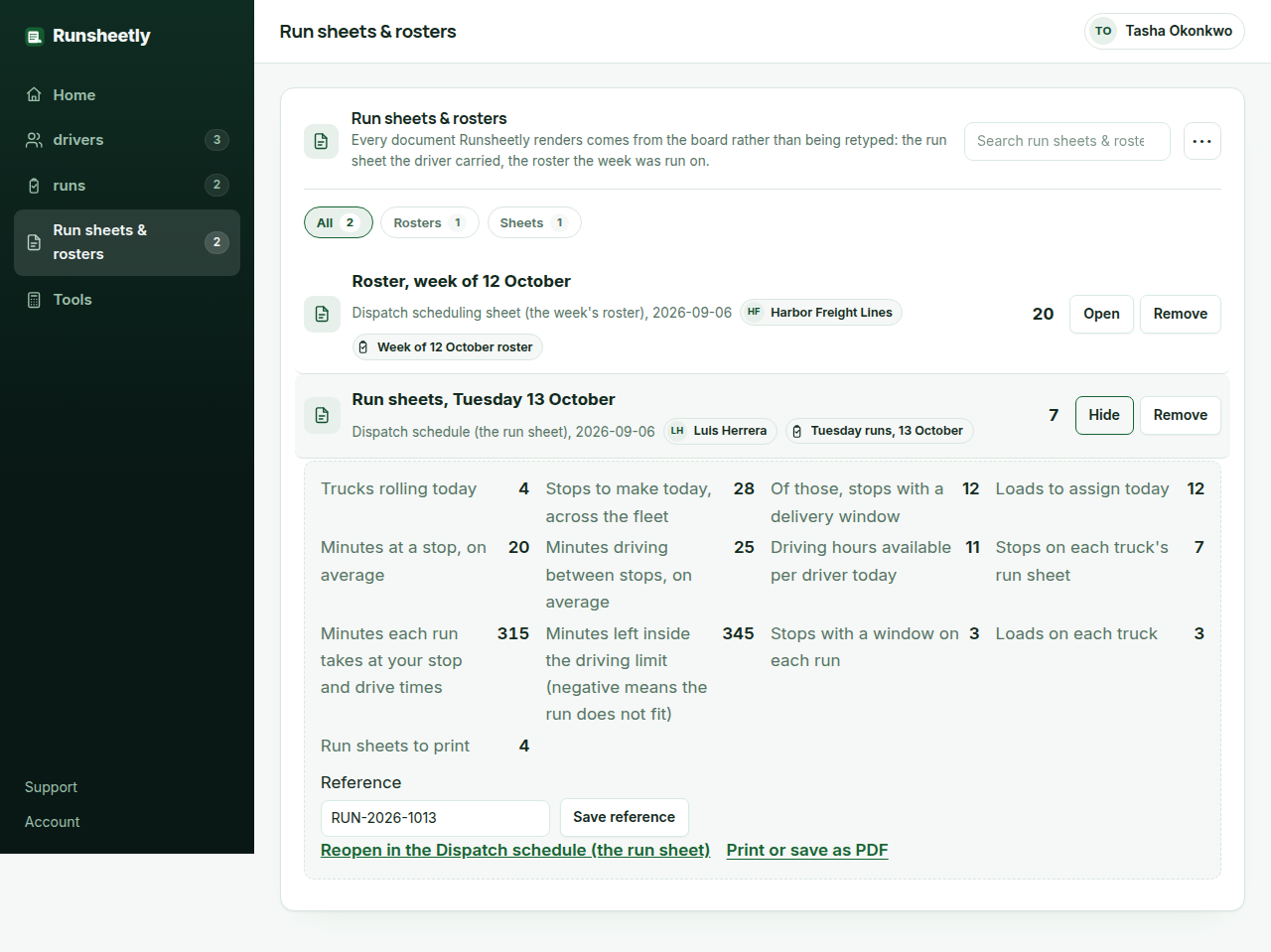
The dispatch schedule builds each truck's run sheet from the day as the dispatcher already knows it: the trucks rolling, the stops to make, the ones with a delivery window, the loads to assign, the minutes a stop takes on average and the minutes driving between stops, and the driving hours a driver has inside the federal limit. It returns the stops on each truck's run sheet, the minutes each run takes at those times, the headroom in minutes left inside the driving limit (negative means the run does not fit the day), the windowed stops and the loads per truck, and the run sheets to print. It is the sheet most small fleets write on a whiteboard, done as arithmetic before the trucks leave.
Why the run is sized from the stop and drive times
A run sheet written by hand has the right stops and the wrong length: nobody adds up twenty minutes at each of seven stops and twenty-five minutes between them until the driver is two hours late for the last window. The sheet multiplies the stops per truck by the stop and drive times and shows the minutes before the run is assigned, so the dispatcher moves a stop to another truck while it is still a decision rather than a phone call.
The driving limit is the ceiling, not the plan
A property-carrying driver may drive at most 11 hours inside a 14-hour window after 10 consecutive hours off, and must take a 30-minute break after 8 cumulative hours of driving (FMCSA). The sheet takes the driving hours available as an input with that limit as the default and returns the headroom; a fleet whose shifts are shorter puts its own figure in. The hours-of-service record itself stays on the ELD, which is the device the law requires.
Windows and loads are the constraints the sheet counts
The stops with a window are the ones that fix the order of the run, and the loads are what the truck has to have room for. The sheet counts both per truck so the dispatcher can see that one truck carries six windowed stops while another carries none, and rebalance before the sheets are printed. Runsheetly Pro keeps each run sheet against its driver and truck and moves its status as the day goes.
What a dispatcher asks before using the Dispatch schedule (the run sheet)
Which figures do I need before using the dispatch schedule?
The trucks rolling today, the stops to make, how many have a window, the loads, your average minutes at a stop and between stops, and the driving hours a driver has. Every one is your own figure; the driving limit is the default ceiling.
What is the federal driving limit?
For a property-carrying driver, 11 hours of driving inside a 14-hour window after 10 consecutive hours off duty, with a 30-minute break after 8 cumulative hours of driving. The FMCSA summary cited below is the rule on the day; the sheet takes it as the default ceiling.
Does the sheet order the stops?
No. It sizes the run and counts the windowed stops so the dispatcher can see whether it fits; the order is the dispatcher's, who knows the territory. Pro keeps the order on the run sheet the driver carries.
Where the method in this sheet comes from
FMCSA, Summary of hours-of-service regulations: the 11-hour driving limit, the 14-hour window and the 30-minute break for property-carrying drivers. Why the driving hours are an input with the federal limit as the default: the FMCSA sets the 11-hour and 14-hour limits and the 30-minute break, the sheet checks the run against them, and the record itself stays on the ELD.
FMCSA, Electronic logging devices: who must use an ELD and what it records. Why the sheet keeps no hours-of-service log: the ELD is the device the rule requires for it, and a sheet that pretended to be one would be wrong on the day it mattered.