Dispatch scheduling sheet (the week's roster)
- Driver-truck assignments the week needs
- 20
- Computed on this page from the inputs below
- Driver-days available in the week
- 30
- Computed on this page from the inputs below
- Driver-days to spare after the assignments and the spares
- 8
- Computed on this page from the inputs below
- Assignments per driver (rounded)
- 3
- Computed on this page from the inputs below
Every figure here comes from the figures you enter and the method stated beside it: your trucks, your stops, your stop and drive times, your drivers and their days off. Where a sheet takes a public figure as its ceiling, the federal hours-of-service driving limit for instance, the page names the source and the date it was read.
Email me this result
We will send you these figures and a link back to them. One email, nothing else unless you tick the box.
The figures above are one fleet's day worked as an example (20). Put your own stops, trucks and windows in and the sheet follows as you type.
Download the Dispatch scheduling sheet (the week's roster) worked example (CSV)
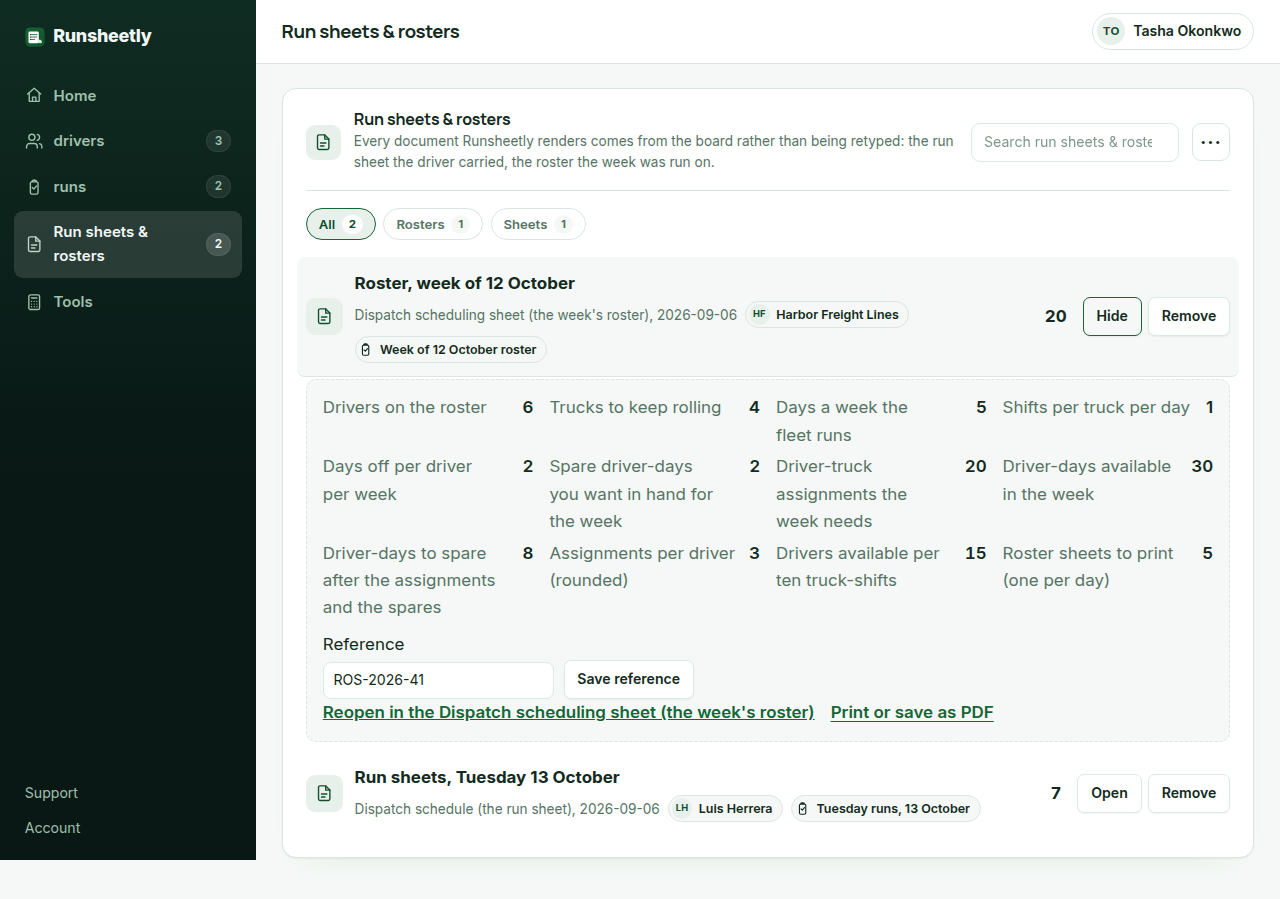
The dispatch scheduling sheet rosters a small fleet's week from the figures on the dispatcher's wall: the drivers, the trucks to keep rolling, the days a week the fleet runs, the shifts per truck per day, the days off each driver gets and the spare driver-days the dispatcher wants in hand for the sick call and the breakdown. It returns the driver-truck assignments the week needs, the driver-days available, the slack left after the assignments and the spares, the assignments per driver, the coverage in drivers per ten truck-shifts, and the roster sheets to print. It is the roster most small fleets keep in a spreadsheet nobody updates, done as arithmetic so the week is planned rather than survived.
Why the week is rostered from driver-days
A fleet has drivers and days, and each driver has days off. Six drivers with two days off each are thirty driver-days in a week; four trucks running five days on one shift need twenty. The gap is what the dispatcher has to work with, and the sheet shows it before the week starts rather than on Wednesday when the third driver calls in sick.
The spare days are the plan for the day that goes wrong
Sickness, a breakdown recovery, a late load that runs into the next day: every fleet has them and most rosters plan as if they did not. The sheet takes the spare driver-days the dispatcher wants in hand as an input and subtracts them before reporting the slack, so a week that reads as tight is tight after the spares, not before.
Coverage says whether the fleet can grow
Drivers per ten truck-shifts is the figure that answers 'can we take a fifth truck'. At 15 the fleet can; at 11 it cannot without hiring, and the sheet says so from the figures the dispatcher already has. Runsheetly Pro keeps each week's roster against the runs it produced, so the coverage figure comes from the record rather than the wall.
What a dispatcher asks before using the Dispatch scheduling sheet (the week's roster)
Which figures do I need before using the dispatch scheduling sheet?
The drivers, the trucks, the days a week the fleet runs, the shifts per truck per day, the days off per driver each week and the spare driver-days you want in hand. All of them are on the wall already.
How many drivers per truck do we need?
The sheet gives the figure as drivers per ten truck-shifts from your own days off and spare days. Above about 14 the roster absorbs a sick call; near 10 every absence is a truck parked.
Does the roster respect the hours-of-service limits?
It rosters days and shifts, not driving hours; the dispatch schedule checks each run against the driving limit. The hours-of-service record itself stays on the ELD.
Where the method in this sheet comes from
FMCSA, Summary of hours-of-service regulations: the 11-hour driving limit, the 14-hour window and the 30-minute break for property-carrying drivers. Why the roster counts days and shifts and leaves the hours to the run sheet: the FMCSA limits are per driving day and window, and the run sheet is where a run is checked against them.
FMCSA, Do I need a USDOT number: which operations must register. Why the roster and the board carry the USDOT number on the fleet's brand: the registration is what identifies the carrier on every document the driver carries.